GeoLocker

Location-based security for iOS

Lock your most sensitive notes, photos, video and files into vaults tied to a place. Choose biometric vaults protected by the Secure Enclave, or hidden vaults that open with a map spot plus a passphrase and leave no trace they exist. Everything that protects you is free.

See hidden vaults in action

A spot on the map plus a passphrase. Get either one wrong and it looks like there's nothing there.

A closer look

Short clips, captured live from the app.

Vaults tied to a place
Create a vault in seconds
Open a hidden vault

Core Capabilities

Most apps protect your data. GeoLocker can hide that it exists.

Plenty of apps encrypt your files. The catch is that the lock is obvious: anyone holding your phone can see you have a vault and pressure you to open it. GeoLocker's hidden vaults take that pressure point away.

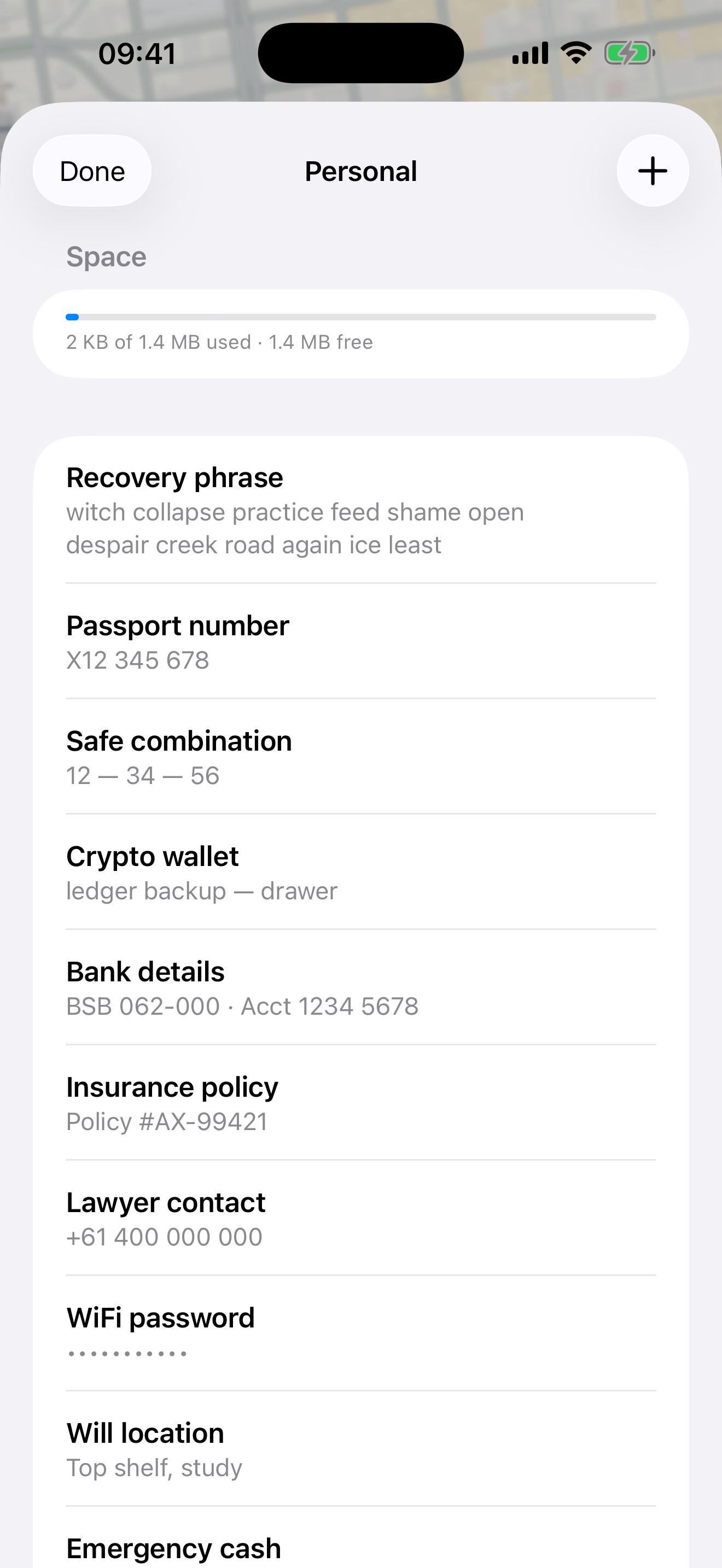
A hidden vault opens only with a secret place on the map and a passphrase. Both are mixed straight into the encryption key, so there's nothing stored to check a guess against. Enter the wrong spot or the wrong passphrase and you get the same blank result as a phone with nothing on it. There's no list of vaults, no count, and nothing on the device that hints any exist.

If you're ever forced to open the app, hand over a decoy vault full of harmless notes while your real vaults stay invisible. You can even arm a duress vault that wipes the others the moment it's opened. That's real plausible deniability, and it's free for everyone.
Why the passphrase is hard to crack: Argon2id

Someone who has your phone can still try to guess a hidden vault's passphrase. GeoLocker makes every guess expensive by deriving the key with Argon2id, the algorithm that won the Password Hashing Competition, is standardised as RFC 9106, and is the one OWASP recommends for password storage.

Argon2id is memory-hard: it deliberately needs a large amount of memory for each attempt, which blunts the GPU and ASIC rigs that tear through ordinary hashes. On GeoLocker that means even on-device guessing is slow, so a longer passphrase and a non-obvious spot are genuinely strong. We're honest about the flip side: a short passphrase at an obvious place can still be guessed. The strength is in your hands.

What it protects against, honestly

No overselling. Here's what each situation looks like, and where the limits are.

SituationHow GeoLocker helpsHonest limit
Lost or stolen phone Everything is AES-256-GCM encrypted, stays on the device, and auto-locks when the app goes to the background. Only a risk if the phone is already unlocked with a vault open.
Someone on your unlocked phone Biometric vaults still need Face ID; hidden vaults need the exact spot and passphrase. Someone watching over your shoulder as you open one.
Forced to unlock Hand over a decoy. Real hidden vaults leave no trace, so "there's nothing here" is believable. Biometrics can be compelled; a known spot and passphrase opens the real vault.
Forensic lab extraction Hidden vaults are indistinguishable from random filler, so a routine image reveals nothing about them. A short or obvious passphrase can still be ground down on the device (Argon2id slows this).
iCloud, backup or network Nothing syncs or leaves the device. No servers, no accounts, no analytics. Local-only by design.

The same plain-language breakdown lives inside the app, under Settings.

In the App

A quick look, then screenshots from the iOS app.

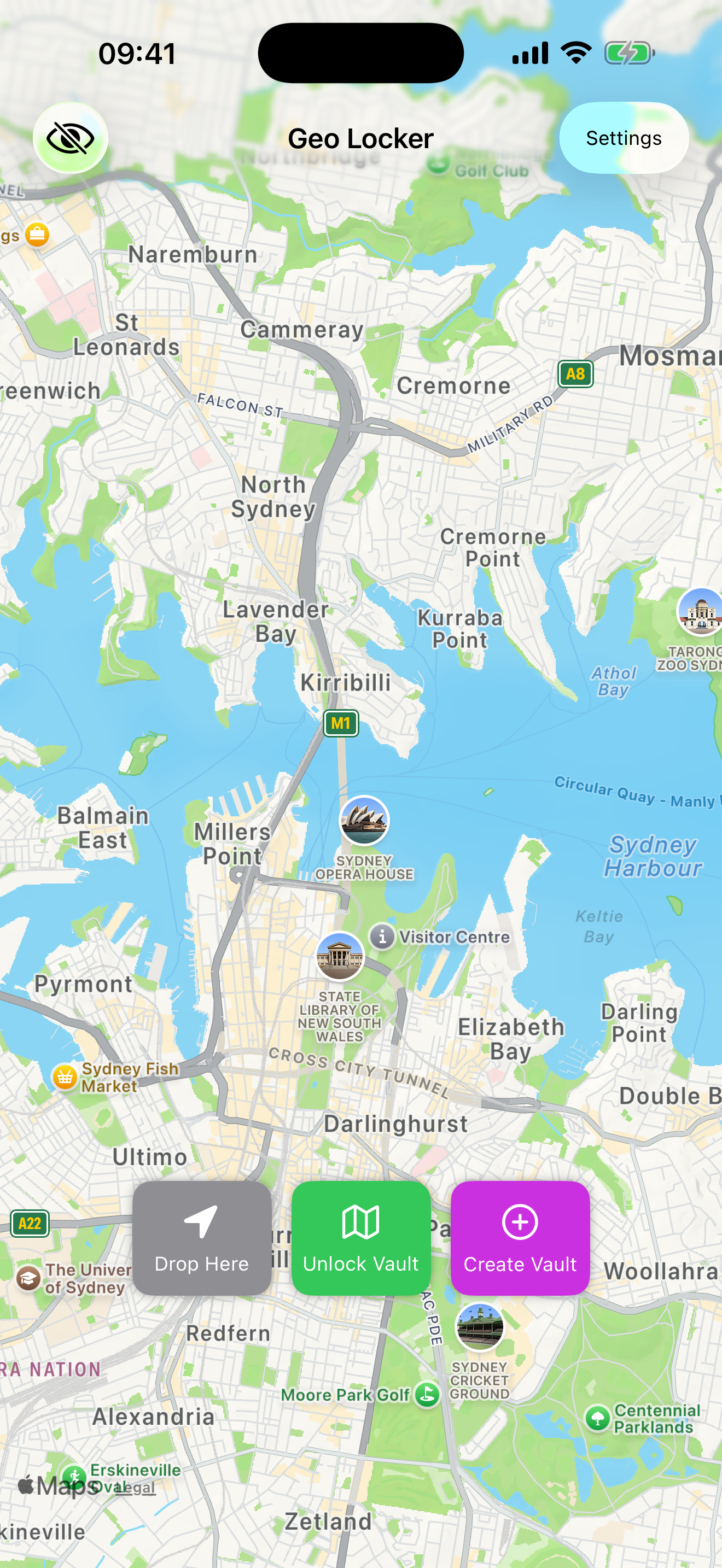
GeoLocker map centred on Sydney with vault controls
Your vaults live at real places
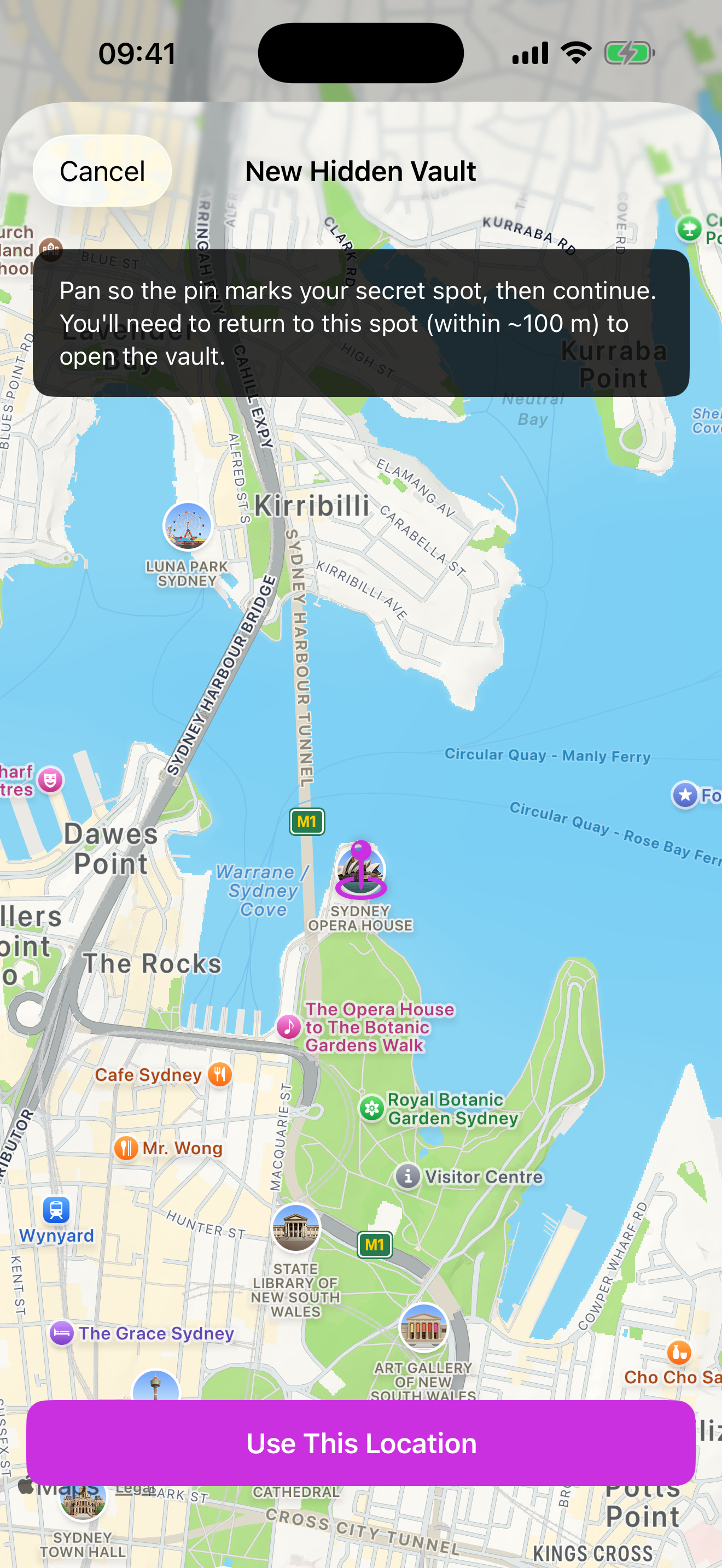
Creating a hidden vault with a map spot and passphrase
A hidden vault: spot plus passphrase
Vault contents: notes, photos, video, audio and files
Notes, photos, video and files
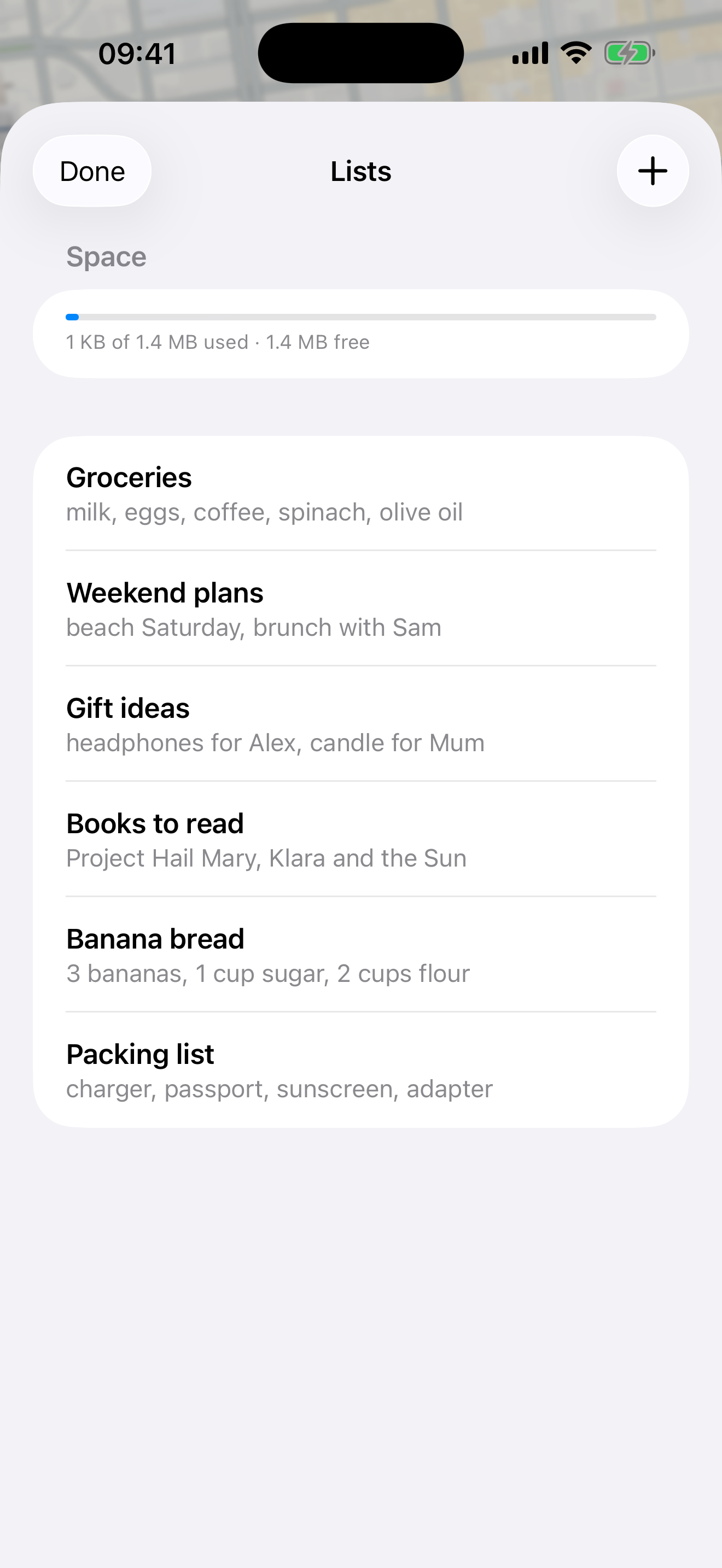
An innocuous decoy vault you can hand over
A believable decoy to hand over

Protect what matters most

Your data never leaves your device. No cloud, no accounts. With hidden vaults, the location and passphrase are part of the key itself.

Get GeoLocker on the App Store